

Event Delivery Management System: 7 Powerful Ways to Improve On-Site Logistics
Event Delivery Management System
Event delivery management can often involve a lot of simultaneous activity. Suppliers delivering to different stands or stages in different parts of the venue may want to bring their displays and materials at the same time. According to MPI’s best practices for event shipping and event logistics, lack of delivery-slot coordination is one of the leading causes of delays and safety incidents.
Access to your site can be limited due to a single access gate, restricted loading bays, consistent traffic or other reasons outside of your control. When this is combined with security requirements, deliveries can become a headache for any project.
These are all reasons why an online event delivery management system can ease the job of the Operations manager.

Useful Zone Manager features for your project
- Suppliers self-book deliveries significantly reducing staffing costs
- Prevents double booking of load zones so capacity isn’t exceeded
- Automatic booking of defensive vehicle search slot where load zone is secure
- Provides real-time run lists for vehicle search terms
- Real-time checking of load, vehicle and driver details by checkpoint marshals
- Analytics and reporting provide visibility of all activity
- Data extracts for close-out reporting
- Multi-drop capability
Benefits of Zone Manager’s Event Delivery Management System
- Restricted access to load zones
- Real time delivery updates
- Stakeholder views of all data
- Self-booking capacity for suppliers
Zone Manager’s Event Delivery Management System is the first of its kind in the market!
Streamline your complex event operations with Zone Manager. Organise deliveries and pick-ups to fit your unique circumstances so you can focus on the aspects of your projects that matter most.
Events Delivery Management System FAQ’s
Yes, the system allows you to grant and deny supplier access, not just to delivery points, but gates and vehicle types.
Yes, by default delivery points are open and the system allows you to configure closed periods.
Zone Manager is browser based and so works across any platform with a modern browser.
Outer perimeter marshalls can track when vehicles arrive and leave the site. The delivery area marshalls can further track when vehicles enter and leave their specific delivery areas.
The different levels of access which can be set up in Zone Manager are:
- Contractor – make and manage their own bookings. These are of two types; those that can only request delivery slots (Requestor) and those that can make confirmed bookings (Booker)
- Administrator – system administrators who can do everything from configuration changes to managing bookings.
- Admin Viewer – read-only access to everything which is typically given to system overseers.
- Supervisor – day-to-day tasks such as managing bookings and setting up logins but can’t make configuration changes.
- Gate Operator – booking deliveries in and out of site
The DMS can automatically manage the capacity of vehicle search areas. Deliveries for areas that require “clean” vehicles can automatically have a vehicle search slot booked.
Case Studies
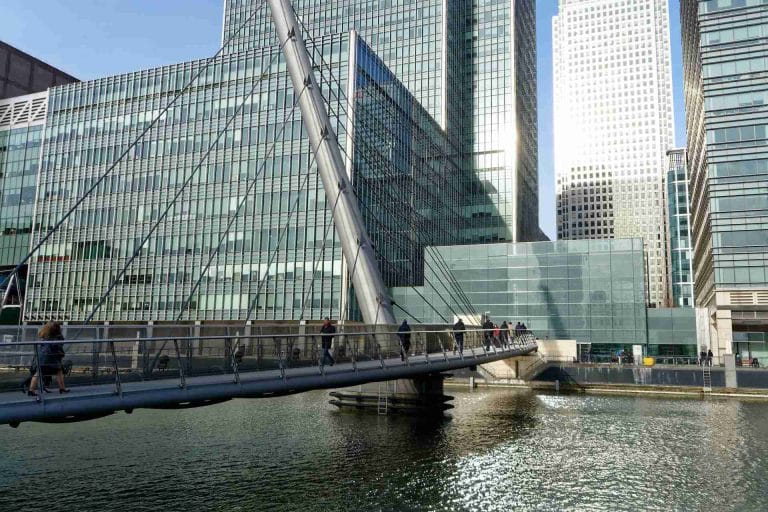
DMS for Facility Management: Enhancing Security and Efficiency in a Leading Bank
In the bustling heart of London, a prominent bank faced the challenge of managing secure deliveries to its high-occupancy offices while only allowing entry to authorised personnel, ensuring pedestrian safety, and reducing congestion caused by delivery vehicles. To address these issues, the bank implemented our Delivery Management System (DMS) – Zone Manager.
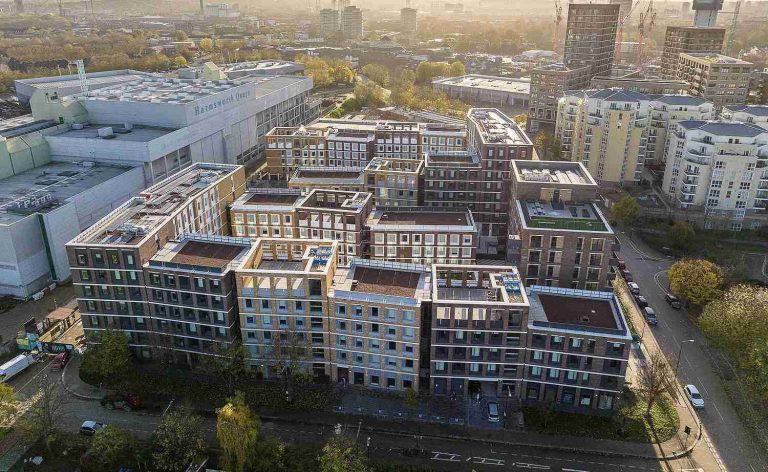
DMS for Congested Construction Sites – HG Construction
Zone Manager and HG Construction have collaborated on multiple major construction projects.
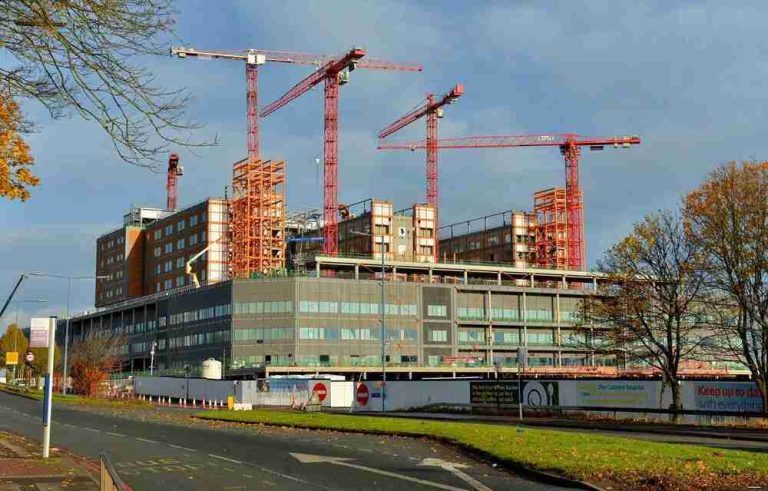
DMS for Large Construction Projects – Balfour Beatty
The construction of the Midland Metropolitan University Hospital, by Balfour Beatty, was a huge logistical endeavour.
250+
Completed Projects
40